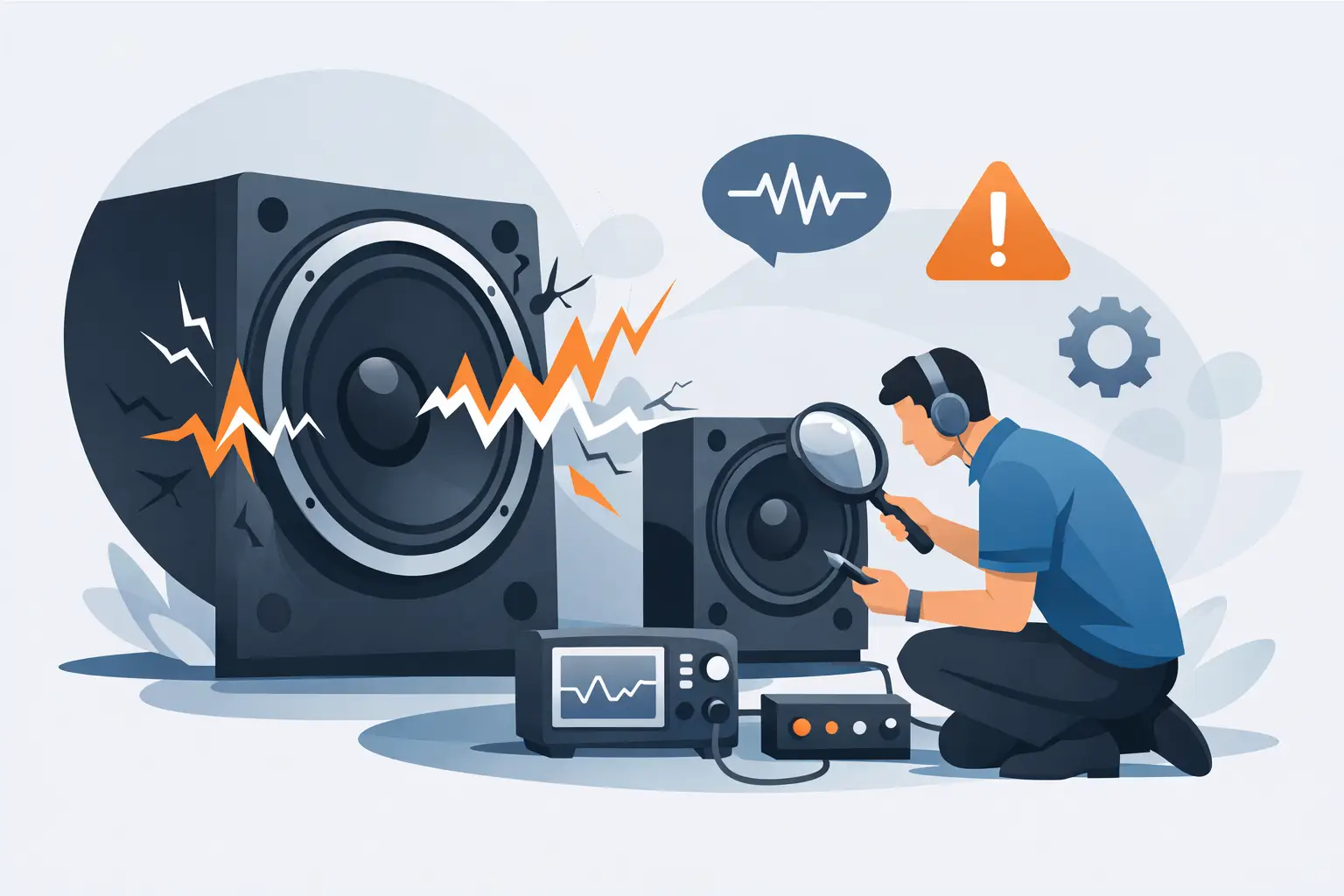
A familiar recording suddenly hardens at a crescendo. A vocal that normally hangs free between the loudspeakers turns grainy, the bass loses contour, or a faint buzz arrives with one particular note. Speaker distortion causes are not always located in the speaker itself. In a high-resolution system, the loudspeaker may simply be revealing a limitation upstream, a mechanical issue, or an acoustic problem that has become impossible to ignore.
The useful question is not merely, "Is there distortion?" It is what kind of distortion is present, when does it occur, and does it follow the speaker, the channel, the recording, or the room? Answering those questions methodically protects valuable equipment and preserves the transparency a carefully assembled system is meant to deliver.
What Distortion Actually Sounds Like
Distortion is any unwanted change to the original signal. That definition covers several different audible effects, and their character matters. Clipping often presents as a coarse, compressed hardness on dynamic peaks. A damaged driver may buzz, rasp, or slap at a narrow range of frequencies. Cabinet vibration can sound like a sympathetic rattle, while a room mode can make bass seem swollen or one-note without any electrical fault at all.
Do not confuse every recording artifact with system distortion. Close-miked vocals, electric guitar overload, tape saturation, and aggressively limited modern masters may contain intentional or production-related distortion. If the problem appears only on one album, especially at the same musical moment through headphones and speakers, the recording deserves consideration before the system is dismantled.
The reverse is also true. A revealing loudspeaker should not be blamed simply because it exposes an abrasive master more honestly than a forgiving design. The concern begins when the character is new, grows with level, appears across familiar recordings, or is clearly stronger in one channel.
Speaker Distortion Causes in the Signal Chain
Amplifier clipping and inadequate headroom
The most common and most consequential cause is amplifier clipping. Every amplifier has a voltage and current limit. When a musical peak demands more than the amplifier can supply, the waveform is truncated rather than reproduced cleanly. The result is high-frequency energy that sounds hard and strained. At sustained levels, clipping can place unusual thermal stress on drivers, particularly tweeters and ribbon elements.
Rated watts alone do not tell the whole story. Loudspeaker sensitivity, impedance behavior, listening distance, room size, and desired peak level all determine the real demand. A loudspeaker with an impedance that falls low in the bass may ask for considerable current even when its nominal rating appears benign. An amplifier that seems powerful on paper can lose composure when faced with a reactive load and demanding orchestral or electronic material.
More power is not automatically safer if it is used carelessly, but an amplifier with stable current delivery and generous headroom is generally preferable to a smaller unit driven into repeated clipping. The warning signs are a soundstage that flattens as volume rises, treble that becomes brittle, bass that stops gaining weight, and a sensation that the music is getting louder without becoming more convincing.
Gain structure and upstream overload
Distortion can originate before the power amplifier. A DAC output set too high for an analog input, a phono stage with insufficient overload margin, an overdriven tube stage, or a digital source processing intersample peaks poorly can all introduce audible roughness. Some preamplifiers and source components clip softly; others do so abruptly. Neither behavior is desirable when accuracy is the objective.
Start with sensible gain structure. Use source and preamplifier settings that leave operating margin, avoid unnecessary digital boosts, and verify that no processor, streamer, or room-correction stage is receiving an overloaded signal. If distortion remains at modest volume, upstream electronics become more likely suspects than loudspeaker power handling.
Poor connections and component faults
A loose banana plug, oxidized spade, partially broken cable conductor, or failing crossover component can create intermittent distortion that is easy to misdiagnose. The symptom may change when a cable is moved, when the system warms up, or when bass-heavy material excites the cabinet.
With the system powered down, inspect terminations at the amplifier and loudspeaker. Look for loose hardware, frayed conductors, and accidental contact between positive and negative terminals. Never work inside an amplifier unless qualified to do so. High voltages can remain present long after power has been removed.
Mechanical Causes Inside and Around the Loudspeaker
A loudspeaker is an electromechanical instrument. Its drivers, crossover network, enclosure, grille, feet, and nearby objects all have the potential to contribute noise. Mechanical distortion often has a more localized quality than clipping: a buzz on a bass note, a tick at a particular excursion level, or a rattle that appears only with a male voice or cello.
Conventional cone drivers can suffer from voice-coil rub, damaged surrounds, loose dust caps, or suspension fatigue. A driver may measure a normal DC resistance and still have a mechanical defect that becomes evident only in motion. A gentle, even manual check of a cone, performed only when appropriate for the design and with power disconnected, may reveal scraping. When in doubt, service evaluation is the better choice.
Ribbon loudspeakers require particular restraint. Their diaphragms are exceptionally light and capable of remarkable transient response, but they should never be touched, probed, or cleaned with improvised tools. If a ribbon speaker produces a persistent buzz, loss of output, or asymmetry between channels, isolate the issue externally and consult the manufacturer or authorized service channel. A well-intended inspection can create damage that the original fault did not.
Cabinet and room-adjacent noises are more common than many owners expect. A loose grille, equipment rack, picture frame, lamp fitting, vent cover, or object placed on a shelf can resonate in sympathy with low-frequency energy. Before assuming a driver has failed, remove or secure nearby objects and replay the same passage at the same level. This simple test often saves unnecessary concern.
The Room Can Mimic a Loudspeaker Problem
Rooms do not create electrical distortion, yet they can profoundly alter perceived clarity. Strong bass modes exaggerate some notes and cancel others. Early reflections from glass, bare sidewalls, or large furniture can blur image focus and make upper midrange content seem sharper than it is. At high volume, a room can also reveal rattles that do not exist during casual listening.
Move the listening seat or loudspeaker position by a small but meaningful distance and replay the affected passage. If the problem changes dramatically with location, investigate placement and acoustics before changing electronics. Bass anomalies are especially position-dependent. A speaker that seems congested near a wall may regain articulation when given more breathing room, while a listening seat centered in a room can fall into a significant cancellation.
Room correction can help with measured low-frequency problems, but it is not a repair for clipping, a damaged driver, or an unstable amplifier. Treat it as one tool in a larger system, not a substitute for correct setup.
A Disciplined Way to Isolate the Fault
Avoid changing several variables at once. The goal is to make the symptom repeatable, then move one variable at a time. Use a familiar, well-recorded track with a passage that reliably triggers the issue. Keep volume moderate until the behavior is understood.
A practical diagnostic sequence is:
- Confirm whether the issue occurs on more than one recording and source.
- Swap left and right speaker cables at the amplifier, then see whether the fault follows the channel or remains with the loudspeaker.
- Swap the loudspeakers themselves only if their size, weight, and connection requirements make this safe and practical.
- Lower the volume substantially. A problem that disappears points toward headroom, clipping, or excursion limits.
- Remove nearby objects and change speaker or seat position to rule out mechanical and room-related effects.
If the distortion follows the amplifier channel after cable swaps, the amplifier, preamplifier, or source chain is implicated. If it remains with one loudspeaker, inspect external connections and surrounding hardware, then arrange professional assessment if the fault persists. If it moves with neither channel nor speaker but changes with position, the room is likely contributing.
Prevention Is Better Than a Dramatic Repair
High-fidelity systems reward clean power, stable amplification, careful placement, and disciplined volume control. Choose amplification for the loudspeaker's real electrical behavior rather than a headline wattage figure. Give components ventilation, secure cable connections, and avoid using bass-heavy test material at extreme levels as a casual demonstration of capability.
Most importantly, trust familiar music. Long-term listening builds an internal reference for tonal balance, image stability, transient ease, and bass definition. When that reference changes, resist the urge to guess. A calm process of elimination will usually reveal whether the issue is in the recording, the room, the electronics, or the loudspeaker itself - and will help keep an exceptional system performing as it should.