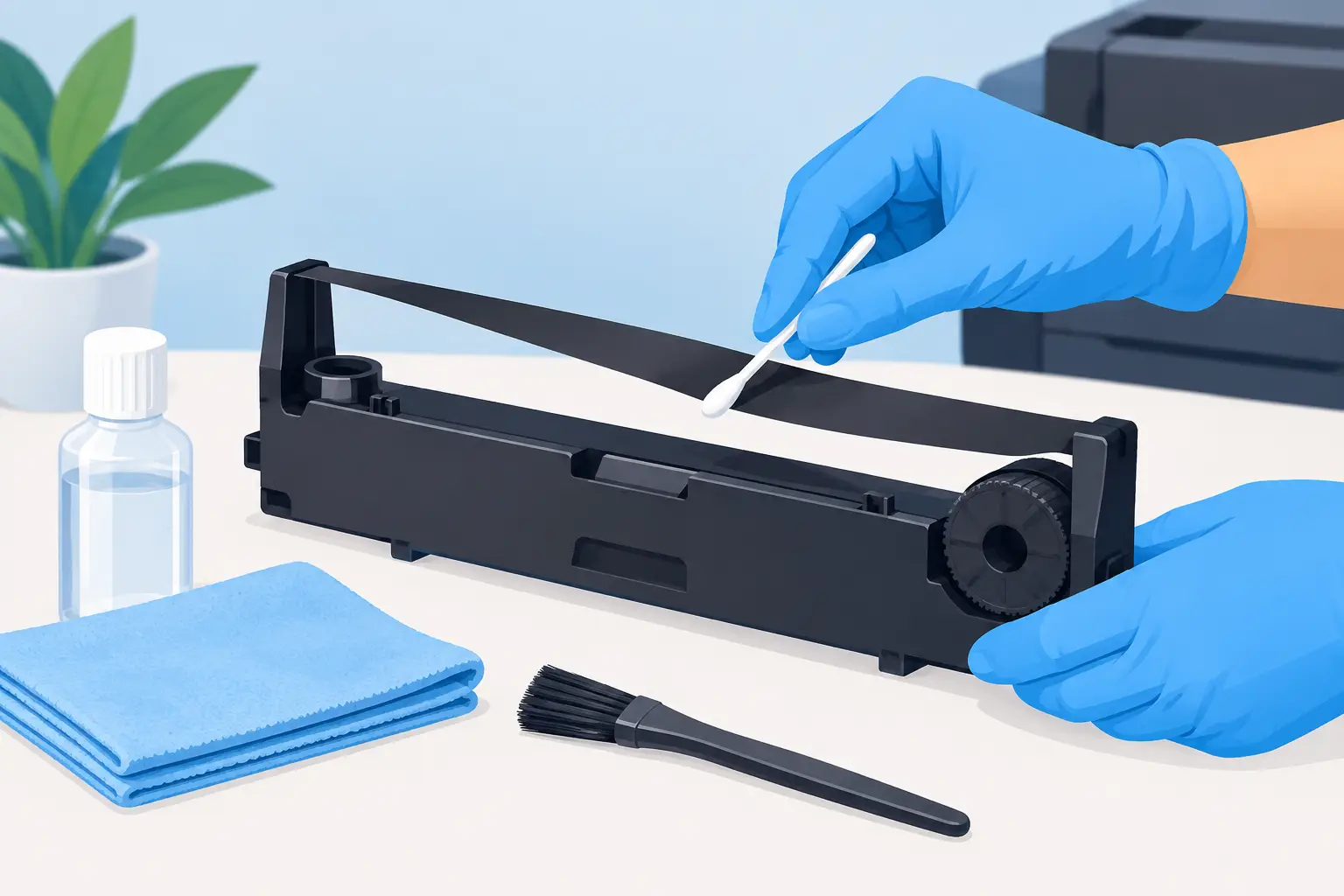
A ribbon driver does not respond well to the usual definition of cleaning. When owners ask how to clean ribbon drivers, the safest answer is usually to clean the area around the driver while leaving the ribbon itself untouched. The extremely thin conductive element that gives a ribbon loudspeaker its speed, resolution, and transient precision is not a conventional cone diaphragm. It is a delicate working component, often operating in a powerful magnetic field, and casual contact can cause permanent damage.
For a premium loudspeaker, restraint is part of proper ownership. A faint layer of dust on a protective grille is rarely an acoustic emergency. A fingerprint, pulled crease, or displaced ribbon is.
Why ribbon drivers require a different approach
A conventional dynamic driver typically uses a relatively durable cone, surround, and dust cap. A ribbon driver uses an exceptionally light conductive foil or film suspended within a magnetic structure. Its low mass is central to its ability to reproduce fine detail, rapid attacks, and high-frequency extension with exceptional clarity.
That same low mass makes the assembly vulnerable. A brush can snag an edge. Pressurized air can stretch or deform the ribbon. A vacuum cleaner can apply enough localized force to pull it from its intended geometry. Liquids can leave residues, promote corrosion, or migrate into adjacent materials and electrical connections.
Dust is also more consequential around a ribbon than it may appear. Ferrous particles, metal filings, or debris from construction work can be drawn toward the magnet assembly. This is one reason loudspeakers should be protected during renovations, sanding, drilling, or other activities that create airborne particulate.
The practical objective is not to make every internal surface look immaculate. It is to preserve the driver’s alignment, tension, and freedom of movement while keeping the surrounding enclosure clean.
How to clean ribbon drivers safely
Before doing anything, switch off the system and disconnect the amplifier. This is not simply good housekeeping. Ribbon loudspeakers can reveal system noise and accidental transients with extraordinary transparency, and no maintenance procedure should be performed with the amplifier energized.
Allow the speaker and electronics to sit for a few minutes, then work in a well-lit room. Avoid wool sweaters, highly charged synthetic fabrics, and rushed handling. Static electricity is not the most common source of ribbon damage, but minimizing unnecessary electrical charge and physical movement near an exposed driver is prudent.
Start with the grille and cabinet
If the loudspeaker has a fixed protective grille, clean that grille rather than reaching through it. Use a clean, dry microfiber cloth with very light pressure on the frame and surrounding cabinet surfaces. For stubborn dust on a grille, a soft artist’s brush may be used on the outer face only, provided its bristles cannot pass through and contact the driver.
Do not spray furniture polish, glass cleaner, or any other liquid directly onto the loudspeaker. If cabinet care is needed, apply a suitable product sparingly to a cloth well away from the speaker, then wipe only the cabinet finish according to its material and manufacturer guidance. Keep all moisture away from driver openings, terminals, seams, and grille perforations.
If the grille is designed to be removable, consult the owner’s manual before removing it. Some grille systems are cosmetic; others provide essential protection or are acoustically integrated into the speaker’s voicing. Do not assume that removal is harmless simply because it appears mechanically simple.
Inspect, do not touch
With the grille removed only when the manufacturer explicitly permits it, inspect the ribbon from a reasonable distance. A bright flashlight held to the side of the cabinet, rather than aimed directly into the driver, can help reveal loose debris or obvious damage.
Do not touch the ribbon with fingers, cotton swabs, tissues, brushes, or compressed-air nozzles. Do not try to straighten a wrinkle, lift a particle, or wipe a visible mark. What looks like a minor imperfection may be part of the driver’s geometry, and an attempted correction can turn a serviceable driver into a repair case.
If no debris is visibly interfering with the ribbon and the speaker is performing normally, reinstall the grille if applicable and stop there. That is successful maintenance.
Address dust around, not within, the motor structure
Dust on the enclosure edges, grille frame, or external trim can be removed with a dry microfiber cloth. For narrow external seams that do not open into the driver cavity, use a very soft detailing brush with a gentle outward motion. The goal is to draw dust away from the driver, never toward it.
Avoid vacuum cleaner attachments around exposed ribbon assemblies. Even a small electronics vacuum can generate uneven suction at close range. Likewise, avoid canned air, shop air, and camera blowers. Airflow that seems mild at the nozzle can become disruptive when directed at an ultra-light diaphragm.
What not to use on a ribbon loudspeaker
The list of unsuitable cleaning tools is short but absolute: no compressed air, no vacuum nozzle, no liquid cleaner, no adhesive tape, and no household duster used near an exposed ribbon. Feather dusters and electrostatic dusters are also poor choices because they can shed fibers, carry static charge, or catch on a grille.
A soft brush is acceptable only for external cabinet details and the outward-facing surface of a robust grille. It is not a ribbon-cleaning tool. The distinction matters.
There is one further caution for owners who use air purifiers or humidifiers in a listening room. These can improve room comfort, but they should not direct airflow or mist toward loudspeakers. Keep relative humidity stable and moderate, particularly in rooms with significant seasonal swings. Excessive dryness increases static concerns; excessive humidity is no friend to fine metal elements, adhesives, veneers, or crossover components.
When dust becomes a service issue
A small amount of surface dust is normally cosmetic. Service becomes appropriate when there is visible foreign material inside the driver aperture, a ribbon appears creased or displaced, or the speaker’s sound has changed in a specific and repeatable way.
Listen for a loss of high-frequency output from one channel, persistent buzzing on certain notes, rattling at moderate levels, or a clear imbalance that remains after swapping left and right channels at the amplifier. First rule out the source, cable, amplifier channel, and room position. If the issue follows the loudspeaker, discontinue high-level playback.
Do not attempt a home repair based on a photograph or a forum description. Ribbon assemblies differ in material, tensioning method, protective structure, transformer interface, and service procedure. A repair that may be routine for one design can be unsuitable for another. Qualified service technicians have the correct fixtures, replacement parts, measurement capability, and experience to evaluate whether the issue is contamination, tension loss, a transformer problem, or something elsewhere in the signal path.
For Clarisys Audio owners, the product manual and authorized support path should be the first reference before any grille removal or driver-level inspection. Premium loudspeakers are systems, not collections of individually interchangeable parts.
Preventive care for a cleaner listening room
The best way to reduce ribbon-driver maintenance is to control the listening environment. Position loudspeakers away from open windows during pollen season, HVAC outlets that blow directly across the front baffle, fireplaces, kitchens, and areas where pets frequently shake or shed. When construction or deep cleaning is underway, cover the speakers with clean, breathable fabric or move them from the room. Never wrap a speaker in plastic while it is warm or leave it sealed for long periods in a humid environment.
A regular, light cleaning schedule is preferable to an occasional aggressive one. Wipe the cabinet and grille exterior every few weeks, inspect for unusual dust buildup, and keep the room itself clean. In a dedicated listening room, a well-maintained HVAC filter and sensible placement can accomplish more than any driver-level intervention.
The finest ribbon loudspeakers reward careful setup, stable electronics, and quiet surroundings. Treat the driver as a precision instrument rather than a household surface, and most cleaning consists of knowing when to leave it alone.